Copilot adoption stalls when organisations treat it as an IT deployment rather than a behaviour change programme. The tool itself is relatively straightforward to enable; the hard part is getting people to change how they work. This guide explains why adoption programmes fail and sets out a practical framework for getting your teams to actually use it.
I see the same thing regularly with Microsoft 365 Copilot rollouts. Licences go out, an email is sent, and within four weeks the IT team is looking at usage reports that show 80% of assigned users have opened Copilot fewer than twice. The temptation is to blame the product. The problem is almost never the product.
Copilot requires users to develop a new mental model: you need to know what to ask, how to frame it, and what kinds of tasks are genuinely worth delegating to an AI. That is a skill, and skills need to be taught, practised, and reinforced — not assumed.
Why adoption stalls
The fundamental challenge is that Copilot competes with existing habits. People already know how to write an email, run a meeting, and produce a report. Copilot offers a potentially better way to do all of those things — but "potentially better" does not automatically displace "familiar." The cognitive cost of trying a new approach and not knowing whether it will work is real, and in a busy week it is often easier to do things the old way.
Three patterns cause most adoption stalls:
- No use-case clarity. Users receive access to Copilot but have not been told specifically how it relates to their role and their actual daily tasks. They experiment aimlessly, get mixed results, and stop.
- No prompt competence. Copilot's output quality depends heavily on the quality of the prompt. Users who have never been shown how to frame a task for an AI get poor responses and conclude the tool is not useful.
- No social proof. People adopt tools when they see colleagues using them effectively. If nobody in a team is visibly getting value from Copilot, the signal from the peer group is "not worth the effort."
The Champions model
The most effective approach to Copilot adoption is the one Microsoft itself recommends through the Microsoft 365 Adoption Hub: a peer-led Champions model. Rather than relying on IT to push adoption from the centre, Champions are volunteer advocates inside each business unit who demonstrate value, support their colleagues, and build a learning community around Copilot.
Microsoft's AI Champions guidance outlines the core responsibilities of a Champion: running demos, coordinating launch communications, picking and supporting early adopters, and building the kind of internal community that sustains adoption beyond the initial rollout. Champions also run the rollout inside their team, which means the person explaining why Copilot is useful to a finance analyst is a finance analyst — not an IT project manager.
In practice, I recommend identifying two or three Champions per business unit before you go live. Give them early access — ideally a fortnight before general availability — a prompt training session, and a copy of the Microsoft-provided Champion role charter. By the time the broader rollout begins, they have genuine experience to share.
"The person who convinces a finance analyst to use Copilot is usually another finance analyst — not someone from IT or change management."
A five-step adoption framework
The structure below is what I use with organisations running structured Copilot rollouts. It maps to Microsoft's own Plan–Implement–Adopt–Manage–Improve framework, compressed into a practical sequence.
-
Define use cases before launch, not after.
Work with each function to identify the five to seven specific tasks where Copilot will have the clearest impact. For finance: monthly reporting, board-pack preparation, variance analysis. For HR: job description drafting, policy summarisation, interview note taking. Document these as a use-case playbook per function and distribute before licences go out. Users who know exactly what to do with Copilot use it far more than those left to explore independently.
-
Build a prompt library for each function.
A shared prompt library in Teams or SharePoint is one of the highest-value assets you can create before launch. Start with ten to fifteen prompts per function covering the tasks in your playbook. As users discover what works, they add to it — and it compounds in value over time.
-
Run fortnightly "Copilot moments".
A "Copilot moment" is a 15-minute slot in a team meeting where one person shares a prompt that saved them time. No slides, no agenda — just a colleague demonstrating something that worked. Schedule these into the team calendar before rollout begins so they become a habit rather than a one-off. They do more to drive adoption than any amount of formal training.
-
Measure active users, not assigned licences.
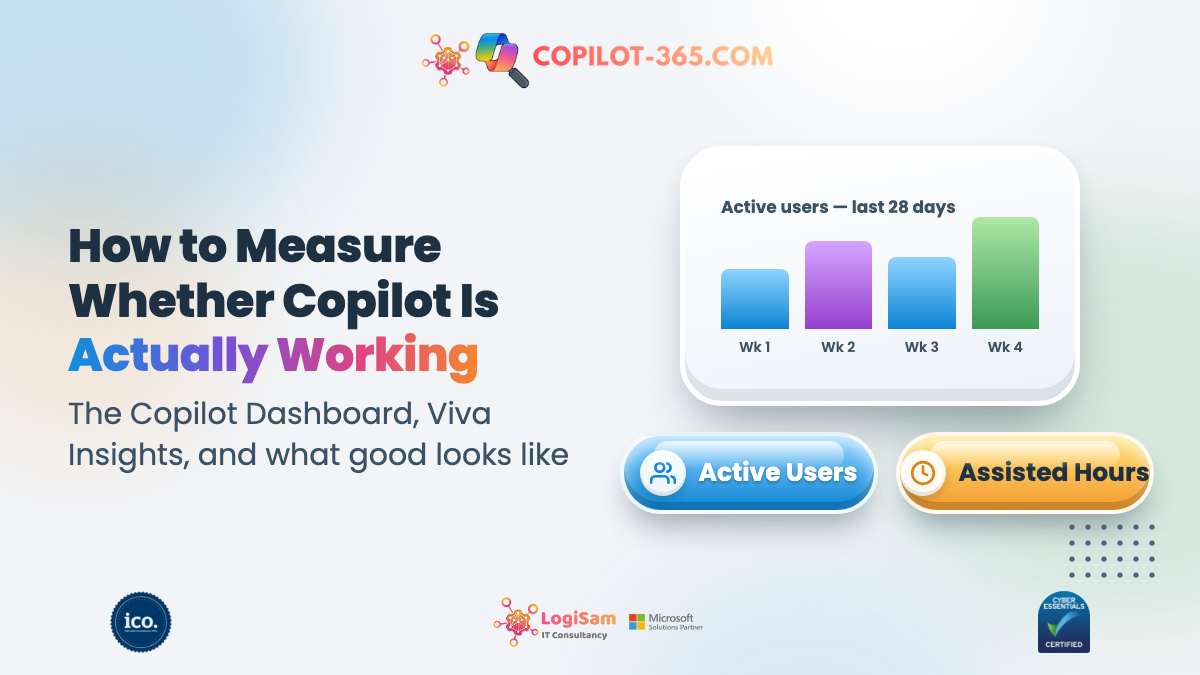
The only metric that matters is active use — the number of people using Copilot at least once in a given period, broken down by app and feature. The Microsoft 365 admin centre provides Copilot usage reports at the user and function level. Set a baseline at the start and review it fortnightly. If active use in a particular team is not growing, investigate — do not just send another email.
-
Celebrate early wins publicly.
When a team member produces a compelling result with Copilot, make it visible. Share it in your internal Teams community or Viva Engage channel, write it up as a brief case study, mention it in an all-hands. Early wins are your most powerful adoption asset and cost nothing beyond the effort of capturing them.
Anti-patterns to avoid
Several approaches that feel logical can actively damage adoption. I see these regularly:
Mandating Copilot use
Telling people they must use Copilot creates compliance behaviour, not genuine adoption. Users who are forced to use a tool they do not understand or value become its most vocal critics. The goal is for people to choose Copilot because it makes their work better — which only happens if they have been shown specific, relevant use cases and had the chance to build competence at their own pace.
Creating the impression that prompts are monitored
One of the fastest ways to suppress adoption is for employees to believe their prompts are being read by managers or HR. Be explicit in your communications: Copilot activity follows the same privacy model as email and Teams messages. What individuals write is not visible to their line manager and is not reviewed by HR.
Measuring hours saved before you have a baseline
Many programmes try to demonstrate ROI by surveying users about time saved during rollout, without establishing a baseline first. Set your time-on-task baselines for specific activities before the rollout starts, then measure the same activities 60 days in. The delta is your ROI data.
The 90-day adoption curve
When a structured programme is in place, adoption follows a predictable shape:
Weeks 1–4: onboarding and habit formation. Active use is low and uneven. Champions are using Copilot regularly; most other users are dipping in sporadically. The goal here is not wide usage but deep usage by a small group — building the expertise and case studies that will drive phase two.
Weeks 5–8: social proof kicks in. As early adopters share their wins in team sessions, colleagues begin trying Copilot for specific tasks they have seen demonstrated. Active use grows measurably. Prompt libraries see heavy use — people are ready to try things and want to know what works.
Weeks 9–12: deepening use and business case. Regular users expand beyond initial use cases. Active use should be broad enough to generate credible ROI data. Measure time-on-task for your baseline activities, compile internal case studies, and prepare the renewal business case.
Tracking adoption without reading prompts
One practical challenge in managing adoption is getting the data you need without creating the impression that you are monitoring what people write. The Microsoft 365 admin centre provides Copilot usage reports at the tenant level, broken down by app — but these are aggregate and anonymised by default. For more granular tracking — which teams are pulling ahead, which licences are genuinely active, which features are being used — Copilot Insights provides adoption dashboards built on Microsoft Graph activity signals, not prompt content. It is designed specifically for the scenario where you need to manage adoption at scale without compromising employee privacy.
Frequently asked questions
Most organisations see meaningful adoption within 90 days when they follow a structured programme. The first 30 days focus on onboarding and habit formation, days 31–60 on deepening use and measuring early results, and days 61–90 on building the internal case studies that support broader rollout. Without a structured approach, adoption can stall indefinitely.
The Microsoft 365 Copilot Champions Programme is Microsoft's recommended peer-led adoption model. Champions are volunteer advocates within each business unit who run demos, coordinate launch communications, support early adopters, and build a learning community. Microsoft provides a champion role charter template, a prompt-a-thon toolkit, and kick-off email templates through the Microsoft 365 Adoption Hub.
Measure active users — the number of people who use Copilot at least once in a given period — not assigned licences. The Microsoft 365 admin centre shows Copilot activity reports broken down by app and feature. Tools like Copilot Insights can track active use and seat utilisation without reading prompt content, giving you the adoption data you need without privacy concerns.
Resistance is almost always rooted in one of three things: a lack of relevant use cases for the user's specific role, a fear that the tool monitors their work, or simply not knowing what to ask. Address these directly: build role-specific use-case examples, communicate clearly that Copilot does not share what people write with managers, and run short hands-on sessions where users try prompts for their actual tasks.