Microsoft 365 Copilot now comes in two distinct flavours: a per-user subscription that covers the full suite of AI features across Microsoft 365 apps, and a consumption-based model for Copilot Studio agents billed on what your users actually do. Choosing the right model — or the right combination of both — before you buy is straightforward once you understand what each one covers. Getting it wrong means either paying for capacity that sits idle or running short of credits as adoption grows.
When I talk to IT directors and operations leads who are preparing a Copilot business case, the same questions come up. What plan do I need first? What is the difference between Microsoft 365 Copilot and Copilot Studio? Is pay-as-you-go actually cheaper? This post answers those questions using Microsoft's current published guidance.
I will not speculate on prices for currencies other than USD — Microsoft's local pricing changes regularly and you should check the Microsoft Copilot pricing page and your Volume Licensing agreement for the figures that apply to your organisation. For UK-specific pricing context, see our separate guide: Microsoft 365 Copilot Pricing in the UK for 2026.
The two ways to pay for Microsoft 365 Copilot
It helps to draw a clear line between two things that are often conflated: Microsoft 365 Copilot (the per-user add-on that brings AI into the apps your people already use) and Copilot Studio (the platform for building and deploying custom AI agents, billed on consumption). They are separate products with separate licences. Many organisations will eventually use both, but they serve different purposes and sit at different points on the deployment journey.
The per-user subscription is where most organisations start, because it delivers immediate value to end users without requiring any development work. Copilot Studio becomes relevant when you want to build agents tailored to your specific business processes — a custom HR bot, an IT service desk agent, or a knowledge base assistant that draws on proprietary content.
Microsoft 365 Copilot: the per-user subscription
The Microsoft 365 Copilot add-on is priced per user per month, paid annually. It is an add-on, which means every user who receives it must already have a qualifying base plan. Microsoft's licence options page lists the eligible base plans as:
- Microsoft 365 E3 and E5
- Microsoft 365 F1 and F3 (frontline worker plans)
- Microsoft 365 Business Basic, Business Standard, and Business Premium
- Microsoft 365 Apps for Business and Apps for Enterprise
There are two technical requirements that catch organisations out. First, the Microsoft 365 apps must be running on Current Channel or Monthly Enterprise Channel — Copilot is not available on Semi-Annual Channel. Second, Copilot licences must be user-based; shared computer activation (common in call centres and shift environments) is not supported.
Once assigned, a Microsoft 365 Copilot licence unlocks AI-assisted features in Word, Excel, PowerPoint, Outlook, Teams, Loop, and Microsoft 365 Chat. It also includes the ability to interact with agents built in Copilot Studio when those interactions happen through Copilot Chat — these interactions do not consume Copilot Credits for the seat holder.
Microsoft removed the 300-seat minimum purchase requirement in 2024, so organisations can now buy a small number of licences for a focused pilot before scaling up.
Copilot Studio: consumption-based billing
Copilot Studio is Microsoft's platform for building custom AI agents without needing a full development team. It offers two billing models:
- Pay-as-you-go: charged at $0.01 per Copilot Credit, billed in arrears at the end of each billing month. There is no up-front commitment, which makes it sensible for organisations that want to test agent deployments before committing to fixed capacity.
- Capacity packs: prepaid bundles of 25,000 Copilot Credits for $200 per month. Unused credits do not roll over. This suits organisations with a predictable, steady volume of agent interactions.
Copilot Credits are consumed whenever a user interacts with an agent — sending a message, requesting information, triggering an action. The number of credits used per interaction depends on the complexity of the agent and the features it uses, such as Microsoft Graph grounding or generative AI responses. Microsoft's Copilot Studio billing documentation explains the per-action credit rates.
Per-seat vs consumption-based at a glance
| Feature | Microsoft 365 Copilot (per-user) | Copilot Studio (consumption) |
|---|---|---|
| What it covers | AI in Word, Excel, PowerPoint, Outlook, Teams, Loop, Microsoft 365 Chat | Building and running custom AI agents |
| Cost model | Fixed per user per month, annual commitment | $0.01 per Copilot Credit (pay-as-you-go) or $200 per 25,000 credits/month (capacity pack) |
| Base plan required | Yes — eligible M365 plan per user | No — tenant-level billing, no base plan required for the consumption model itself |
| Development needed | No — ready to use once assigned | Yes — agents must be built or configured in Copilot Studio |
| Best for | Broad rollout to knowledge workers; immediate productivity gains | Custom agents for specific business processes; variable or seasonal usage patterns |
| Minimum commitment | One seat, annual | None for pay-as-you-go; one month for capacity packs |
The licence assignment trap
One of the most common — and most avoidable — sources of wasted Copilot budget is the gap between licences assigned and licences used. I see it consistently: an organisation purchases 200 Copilot licences, assigns them to the users who requested access (often managers, senior leaders, and the loudest voices in the pilot proposal), and then discovers three months later that half those licences are showing no meaningful usage in the admin centre.
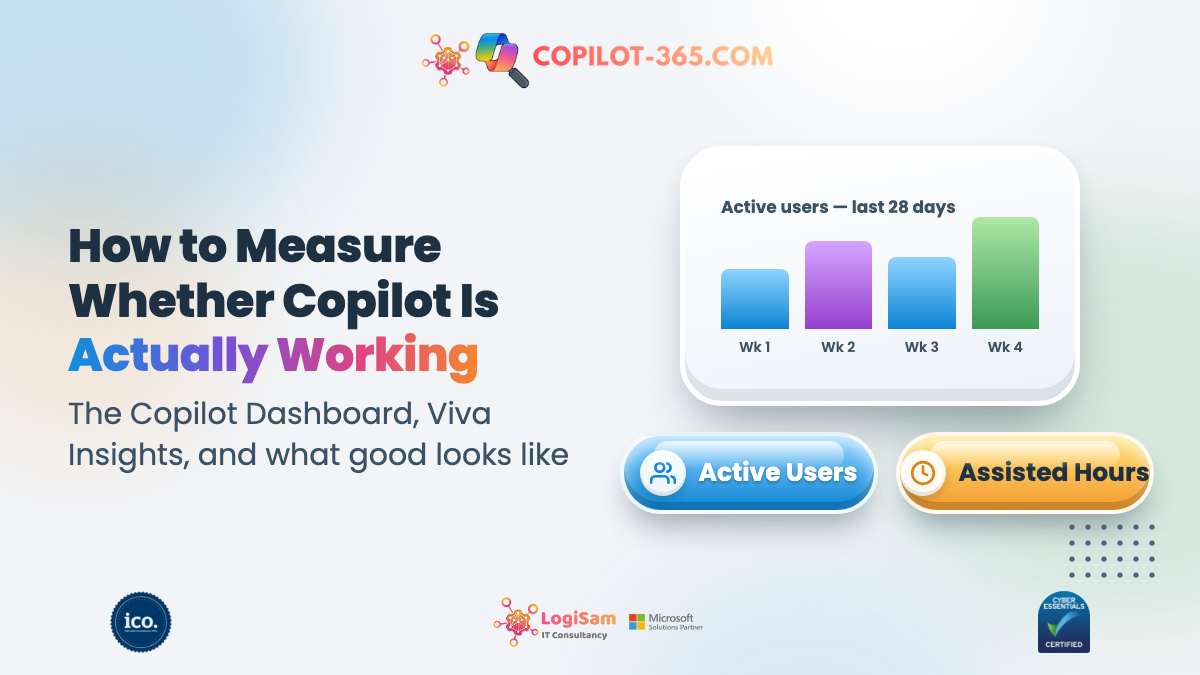
Assigned is not adopted. A licence on a user's account that is never opened is a subscription fee for a tool collecting dust. The Microsoft 365 admin centre provides basic usage data, and Microsoft's Copilot Dashboard (available via Viva Insights) gives a richer view of active versus dormant seats. If you want a consolidated view that also shows which features are actually being used and which teams are generating value, Copilot Insights was built specifically for that purpose — without reading anyone's prompts or accessing message content.
The fix is not to purchase fewer licences. It is to purchase licences in cohorts tied to a structured adoption programme, where each wave of users has a prompt training session and a defined use-case playbook before they go live. Idle seats from wave one should be reclaimed and reallocated before wave two begins.
How to decide where to start
For most organisations, the right sequence is straightforward. Start with a focused cohort of Microsoft 365 Copilot per-user licences — 20 to 50 users across two or three functions with high-volume, well-defined tasks. Run a 90-day pilot with structured training and clear success metrics. Once you can demonstrate quantified value from the per-user model, expand that cohort and assess whether custom agents (Copilot Studio) would add further value for specific workflows.
Copilot Studio's pay-as-you-go model is worth considering alongside the per-user pilot if your organisation has a specific agent use case in mind — a service desk bot, a document summarisation agent for a legal team, or a customer-facing assistant. The low entry cost makes it practical to test agent concepts in parallel with the core productivity rollout, without committing to a capacity pack until you understand your actual usage volume.
"Copilot licences are not a one-size-fits-all purchase. The per-seat model delivers productivity gains across the Microsoft 365 suite. The consumption model is for the agents your business builds on top of it. Most organisations eventually need both — but they rarely need both on day one."
Frequently asked questions
Microsoft 365 Copilot is an add-on that requires a qualifying base plan. Eligible plans include Microsoft 365 E3, E5, F1, F3, Business Basic, Business Standard, Business Premium, Apps for Business, and Apps for Enterprise. The licence must be user-based — shared computer activation is not supported.
Yes. The two models are complementary rather than competing. Per-seat licences cover the core Microsoft 365 productivity apps, while Copilot Studio's consumption-based billing covers custom agent interactions beyond the included entitlements. Users with a Microsoft 365 Copilot licence do not pay Copilot Credits for standard agent interactions in Copilot Chat.
A Microsoft 365 Copilot licence gives the assigned user AI-powered features across Word, Excel, PowerPoint, Outlook, Teams, Loop, and Microsoft 365 Chat. It also includes access to agents built in Copilot Studio when interactions happen through Copilot Chat. The qualifying base plan must still be assigned separately.
Microsoft removed the 300-seat minimum in 2024. Organisations can now purchase as few seats as they need, making it practical to run a focused pilot with a smaller group before committing to a wider rollout.